Pinterest GIF Downloader
Extract and Download GIF from Pinterest directly to your PC or Mobile as standard GIF files.
Your GIF is Ready
How to Download Pinterest GIFs
Follow these 3 simple steps to Download Pinterest GIF directly to your PC, Mac, or Mobile device.
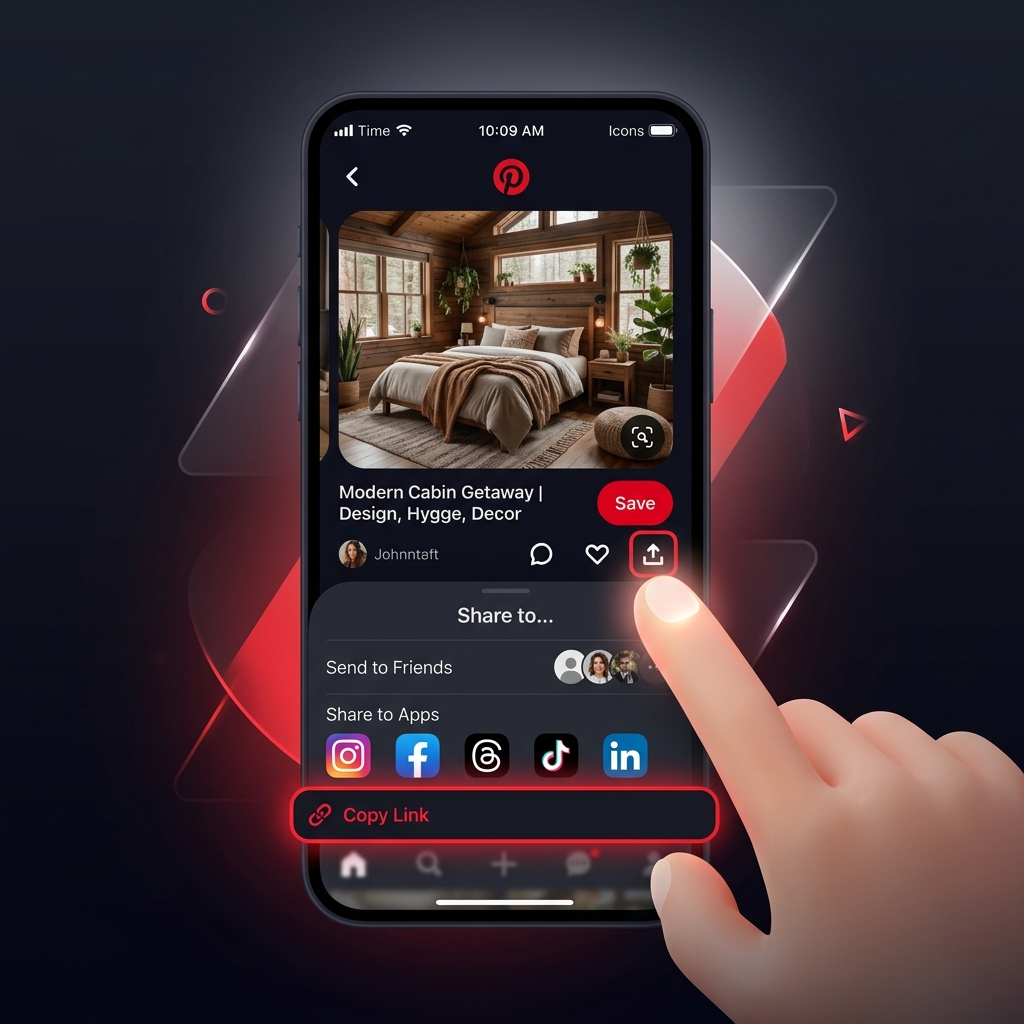
Copy the URL
Open the Pinterest app or website, locate the animated GIF you'd like to save, tap the Share icon, and select "Copy Link".
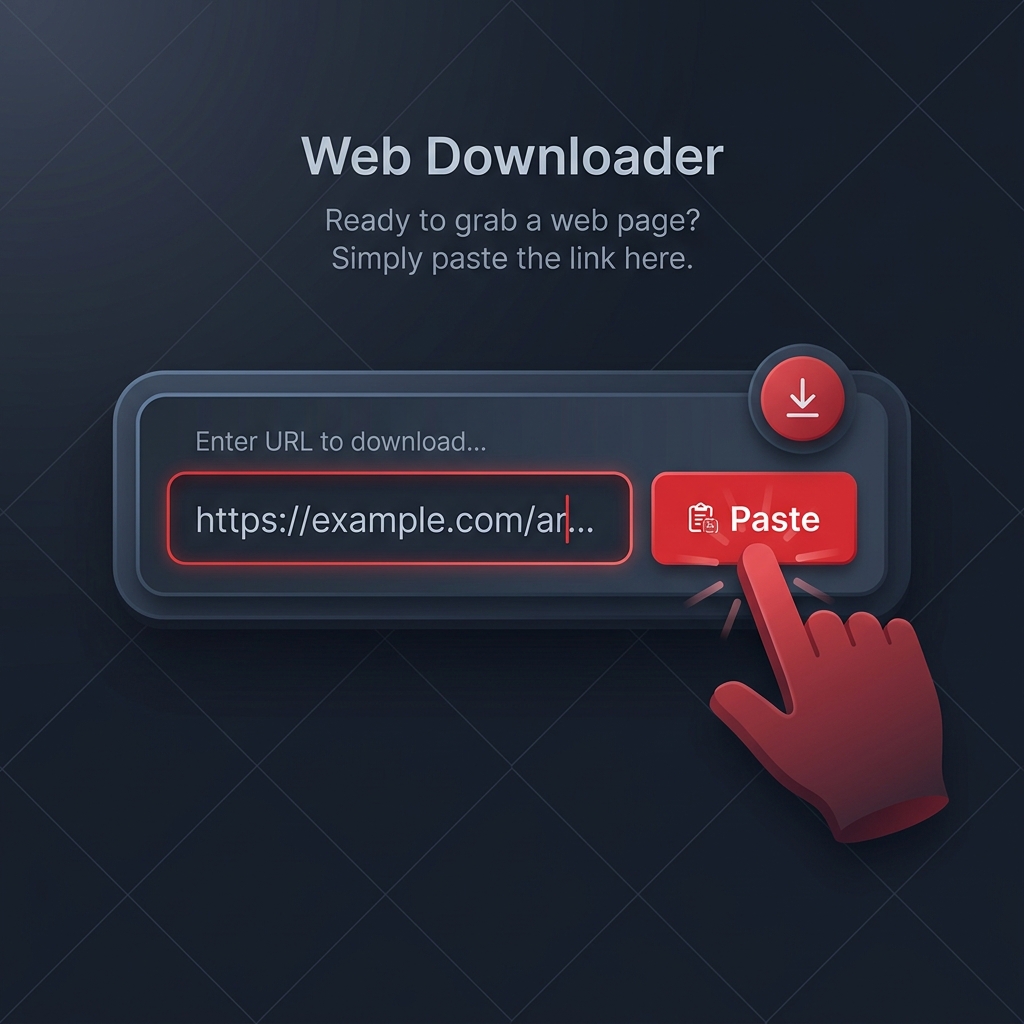
Paste the Link
Return to PinnDownloader, click the input box at the top of this page, and paste the copied URL.
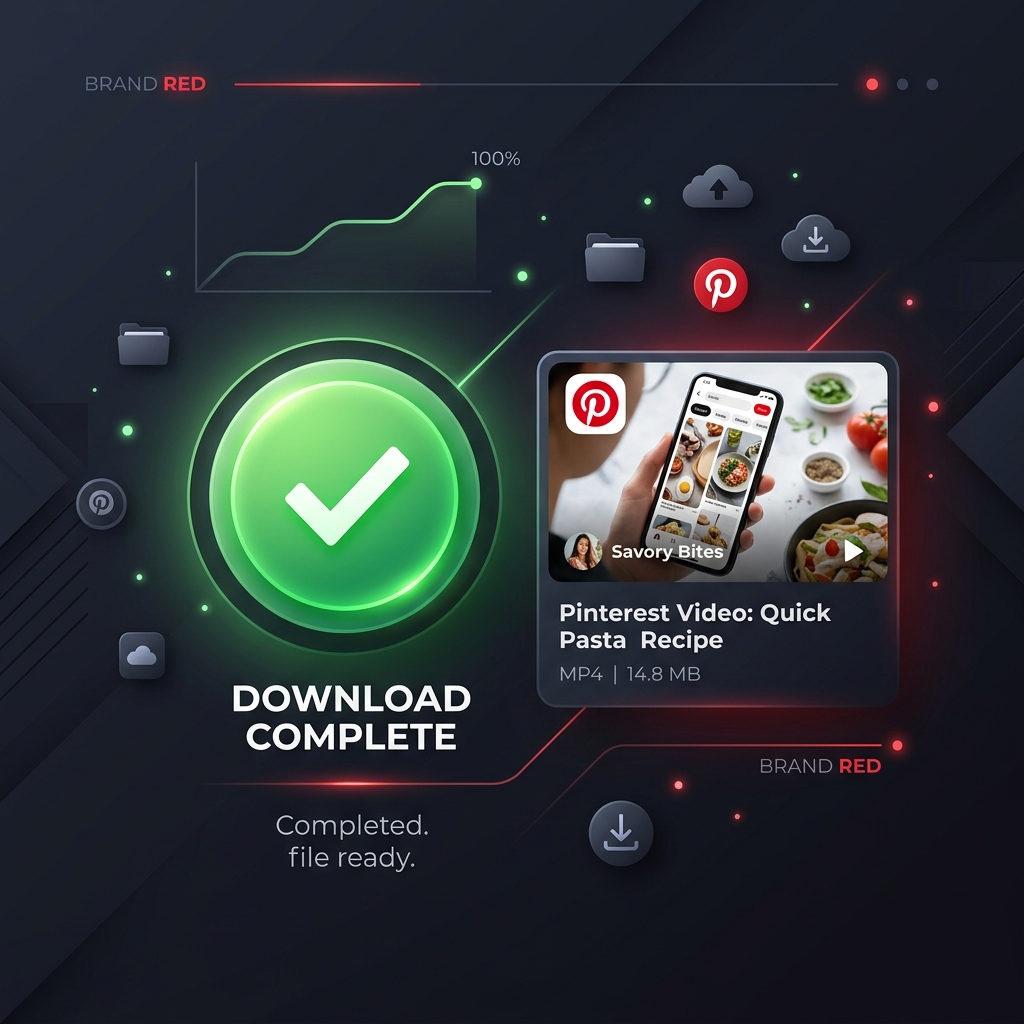
Download GIF
Click the Download button. Wait a moment while we process the link, then save your animated file in native GIF format.
Why Use PinnDownloader?
Lightning Fast & Free
Our tool is optimized for speed. Extract and download your favorite pins in seconds without paying a single cent. Unlimited downloads forever.
Mobile & PC Compatible
Whether you're using an iPhone, Android, MacOS, or Windows, PinnDownloader works flawlessly across all devices and major web browsers (Chrome, Safari, Firefox).
Multiple Formats
We don't just do GIFs! You can download high-quality videos and static images using our dedicated tools via the header navigation.
Frequently Asked Questions
What is PinnDownloader?
PinnDownloader is a state-of-the-art, free online tool specifically engineered to help you extract and download multimedia content directly from Pinterest. Whether you are looking to save a creative recipe, a DIY home improvement video, an educational tutorial, or an aesthetic design idea, our downloader bridges the gap by providing direct access to the files.
By scraping Pinterest's public webpage metadata, PinnDownloader extracts direct high-definition links hosted on Pinterest's Content Delivery Network (CDN) servers. The tool runs entirely in your web browser, requiring no registration, no subscription, and no installation of risky third-party software or browser extensions.
What PinnDownloader Can and Cannot Do
What We Can Do
- • Download public Pinterest videos in high-definition (HD 720p, FHD 1080p, and higher when available).
- • Extract original, uncompressed images (JPG, PNG, and WebP format) instead of small thumbnails.
- • Save animated GIFs in their native animated file format rather than static preview frames.
- • Extract and download audio tracks (MP3 format) from Pinterest video clips.
What We Cannot Do
- • Cannot access or download private pins, secret boards, or content from locked accounts.
- • Cannot download live stream broadcasts while they are currently airing.
- • Cannot modify the original source content or delete pins from the Pinterest platform.
- • Cannot bypass intellectual property restrictions; downloading copyrighted material without permission is prohibited.
Is PinnDownloader Safe to Use?
Yes, PinnDownloader is completely safe to use. Security is at the core of our service, and we have designed the platform to protect our users in the following ways:
No Installations
Since we operate entirely online, you do not need to download executables, apps, or browser extensions, eliminating malware risks.
No Accounts Needed
We never request personal information, email addresses, passwords, or login details, ensuring complete anonymity.
SSL Encrypted
Our site is fully secured via HTTPS (SSL) encryption, meaning all communications and queries are safely encrypted.