How to Download Pinterest Content on Your Phone: Android and iPhone
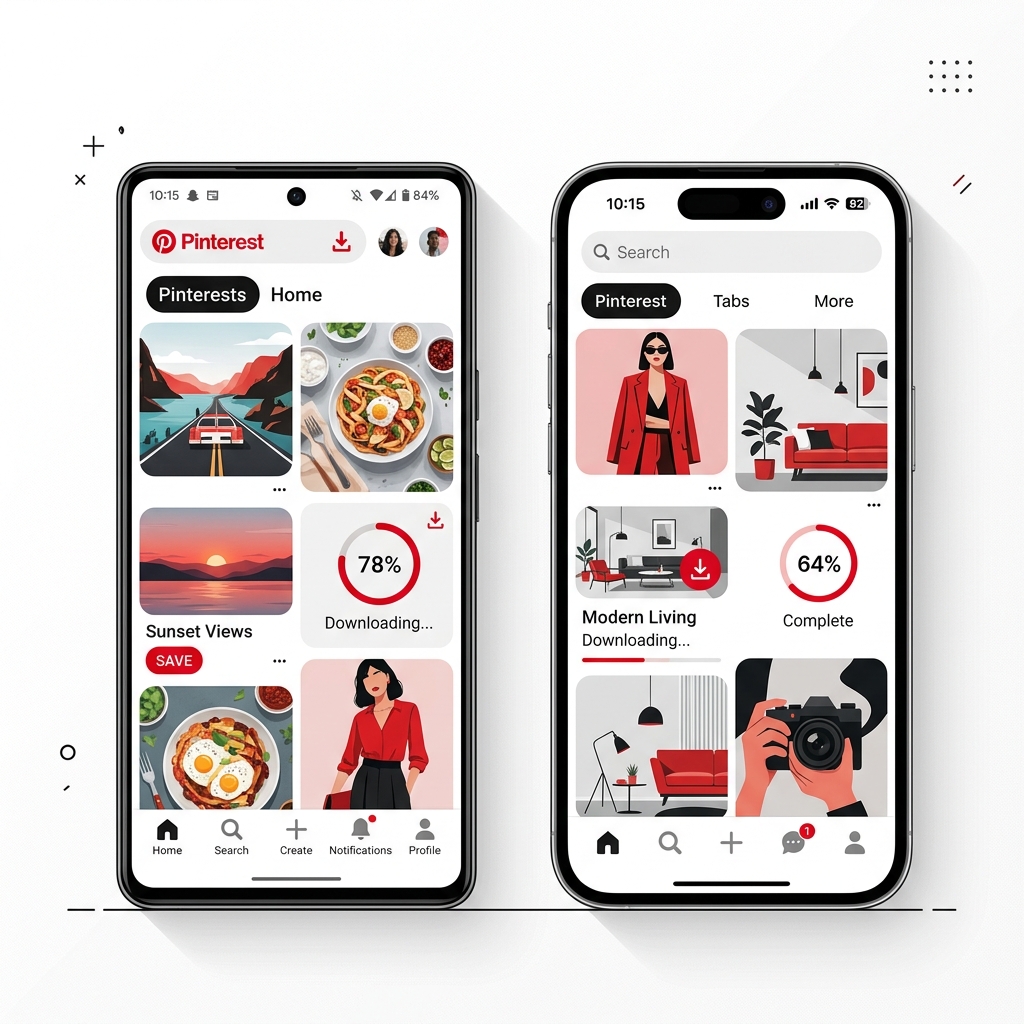
In today's mobile-first world, most of us browse Pinterest on our phones during commutes, workspace breaks, or before sleep. When you find an inspiring clip or layout you want to save, having it locally on your mobile camera roll is incredibly convenient.
However, downloading videos on mobile operating systems can sometimes be challenging due to strict file download permissions and sandboxing. In this article, we'll explain how to download Pinterest content directly to **Android** and **iPhone** using PinnDownloader.
How to Download on Android Devices
Android's open file system makes downloading content relatively straightforward. Here is what you need to do:
- Open the Pinterest app on your Android device.
- Find the Pin containing the video or image you want to download and click the **Share** button, then tap **Copy link**.
- Open your mobile web browser (e.g. Chrome, Firefox) and navigate to PinnDownloader.
- Tap and hold the input field, then select **Paste** to paste the copied URL.
- Tap the **Download** button. The server will extract the direct file download links.
- Tap the resulting download format button (e.g. MP4, HD). Your browser will save the file directly to your device's `Downloads` folder.
- Open your Gallery app or Google Photos, and you will find your downloaded media in the local `Downloads` album.
How to Download on iPhone & iPad (iOS)
Apple devices run on a sandboxed iOS file system, meaning downloading files requires Safari's built-in download manager. Follow these specific steps:
- Open the Pinterest app on your iPhone or iPad.
- Open the Pin, tap the paper plane/share icon at the bottom-right, and select **Copy Link**.
- Open the **Safari** web browser (avoid using in-app browsers like Chrome inside Twitter or Facebook).
- Navigate to PinnDownloader and paste the link into the downloader input field.
- Tap **Download** and wait a moment for the process to complete.
- Tap and hold the download link or button, then tap **Download Linked File** in Safari's options (or simply click the button and select **Download** on the Safari permission prompt).
- You will see a small blue download icon in Safari's address bar. Once complete, tap the icon and select **Downloads**.
- To save the file to your Photos app: Tap the file in Safari's download list to open it, tap the iOS **Share** button (a box with an arrow pointing up at the bottom left), and choose **Save Video** or **Save Image**.
Pro-Tip for iOS Users:
If Safari doesn't prompt you to download, you can also use third-party file organizer apps like *Documents by Readdle* which contain built-in browsers with advanced download systems.
Conclusion
Regardless of whether you are in the Android or Apple ecosystem, saving Pinterest inspiration directly to your mobile device is fully achievable with the right web tools. Keep PinnDownloader bookmarked on your phone browser for quick, hassle-free downloads!