Pinterest Downloader: What It Is, How It Works, and When to Use One
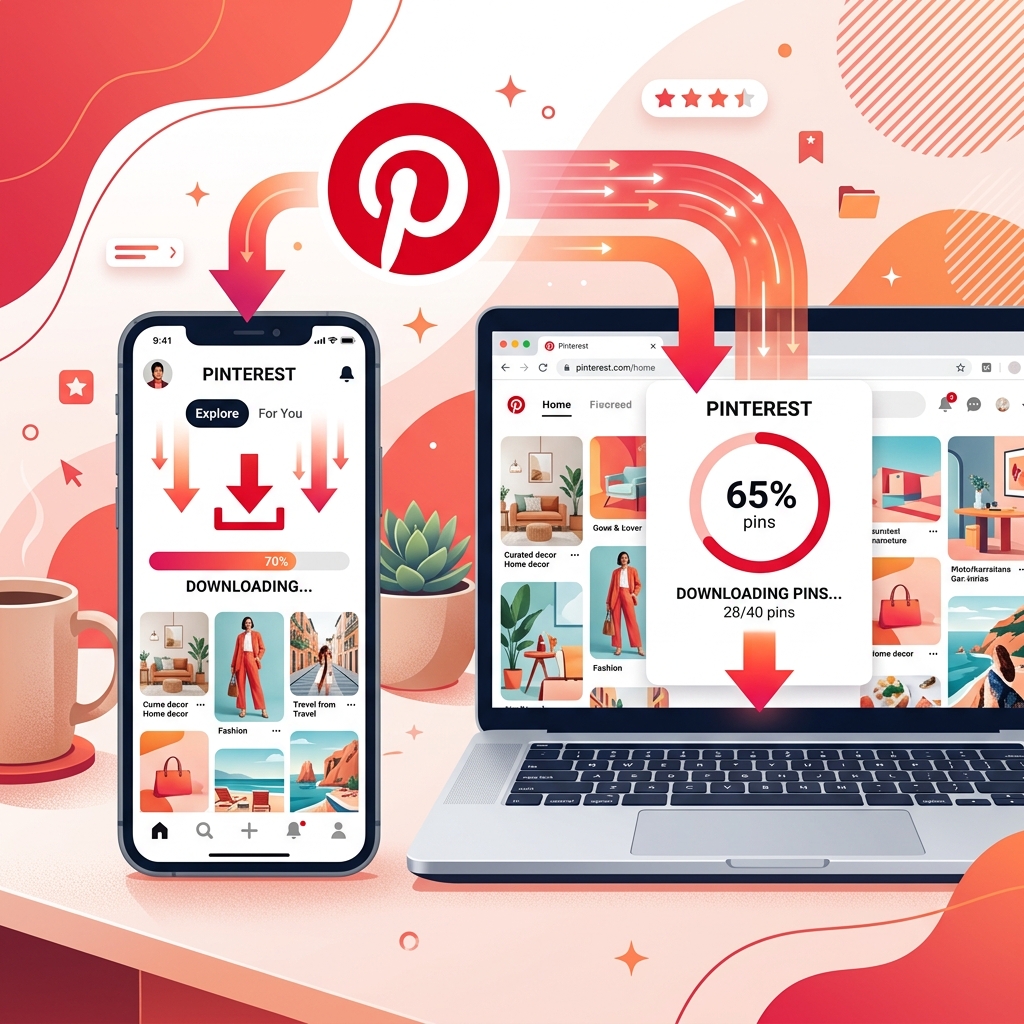
Pinterest is an endless visual catalog of inspiration, spanning home design, culinary creations, workout routines, and digital artwork. However, when you want to save a video or a high-resolution image to your local device for offline use, you will quickly notice a missing feature: a native download button for videos.
This is where a **Pinterest Downloader** like PinnDownloader comes into play. In this guide, we will look into what a Pinterest downloader actually is, explain the engineering behind how it extracts media links from Pinterest servers, and explore when and why you should use one.
What Is a Pinterest Downloader?
A Pinterest downloader is a web-based utility designed to extract direct, uncompressed media links from Pinterest URLs. When you save a pin within Pinterest, you are pinning it to a digital board that requires an internet connection and a Pinterest account to view. A downloader extracts that item from the platform and saves it directly to your computer or phone's local storage as a standalone file (usually as an `.mp4` for videos or `.jpg`/`.png` for images).
How Does It Work Behind the Scenes?
While the downloading process takes only a couple of seconds for the user, the backend performs several complex steps:
- Request Processing: The user pastes a Pinterest link (e.g., a shortened `pin.it` link or a full `pinterest.com/pin/...` URL) into the input box and submits it.
- URL Parsing & Expansion: If it's a shortened mobile link (`pin.it`), the server resolves the redirect to find the canonical URL of the pin.
- Metadata Crawling: The scraper analyzes the raw HTML code of the Pinterest page. Inside the page metadata and script tags (usually hidden in JSON-LD blocks), Pinterest embeds direct URLs to the media assets.
- CDN Fetching: The downloader finds the highest resolution file URL hosted on Pinterest's Content Delivery Network (CDN) servers (such as `v1.pinimg.com` for videos or `i.pinimg.com` for images).
- Delivery: The server delivers these direct links to the user's browser, enabling a one-click download option that bypasses Pinterest's built-in visual frames.
Important Note on Privacy:
Because downloaders fetch media directly from public CDNs, they can only access content that is marked as public. Private boards or secret pins cannot be scraped or downloaded.
When to Use a Pinterest Downloader?
There are many scenarios where storing Pinterest content offline becomes essential:
1. Offline Reference & Learning
If you are following a recipe video, a workout routine, or a craft tutorial, loading Pinterest constantly while moving around can be frustrating. Downloading the video allows you to loop it, play it in slow motion, or view it without any buffering or internet connection.
2. Visual Presentations & Mood Boards
Designers, marketers, and videographers use mood boards to plan projects. Downloading original assets lets you import them directly into editing tools like Photoshop, Figma, or Premiere Pro to compile layouts for client reviews.
3. Content Archiving
Pins can be deleted at any time by their creators or by the platform. If you have spent months gathering resources for a research paper or a design project, downloading the core assets protects your work from disappearing.
Conclusion
A Pinterest Downloader is an invaluable bridge between Pinterest's visual index and your local offline workspace. By utilizing tools like PinnDownloader, you ensure that you always have access to high-quality inspiration on your own terms.