How to Find the Original or Most Reliable Source of a Pinterest Image
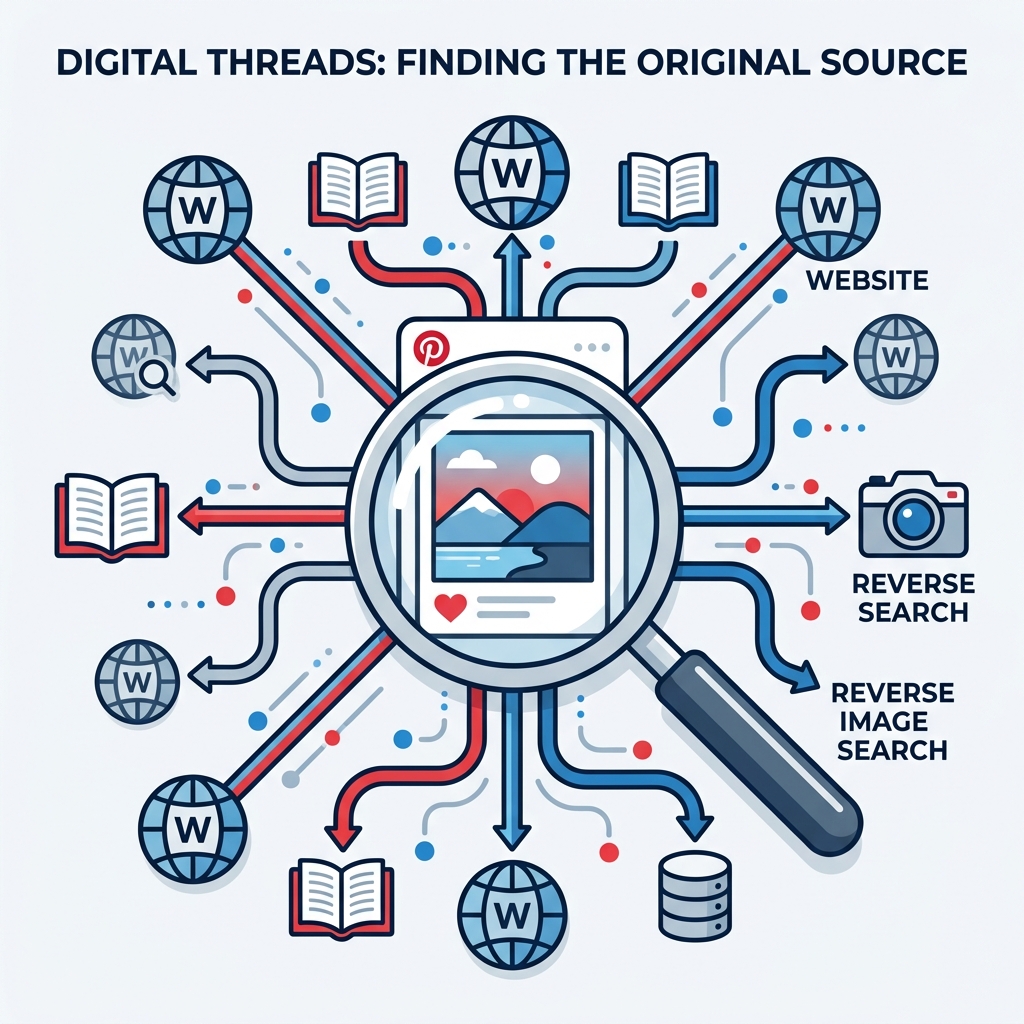
Because Pinterest allows users to easily "repin" images to their own boards, a single visual asset can be copied thousands of times. Over time, the link pointing to the original artist, photographer, or product manufacturer is often lost, replaced by broken links or generic landing pages.
If you want to purchase a product seen in an image, credit the original photographer, or locate a higher-resolution version of an illustration for printing, you need to find the source. Here is how to trace any Pinterest image back to its roots.
1. Use Google Lens (Built into Chrome & Pinterest)
Google Lens has become the gold standard for visual recognition. There are two ways to use it directly with Pinterest:
- Pinterest's Native Visual Search: When viewing a Pin, click the small magnifying glass icon at the bottom right corner of the image. The system will search within Pinterest for visually similar items, often revealing the original creator's Pin or shop link.
- Google Chrome Search: If you are on a desktop browser, right-click the image and select **"Search image with Google"**. A side panel will open showing matching web pages, artist profiles (such as ArtStation, Behance, or Instagram), and e-commerce stores selling the item.
2. Perform a Reverse Search with TinEye
TinEye is a specialized reverse image search engine that focuses on image variations and tracking down the earliest online uploads:
- Download the image from Pinterest using PinnDownloader (so you have the raw JPEG/PNG).
- Navigate to tineye.com.
- Upload your downloaded file or paste the image's direct CDN URL.
- Sort the results by **"Oldest"** or **"Most Changed"** to locate the website that first published the image. This is highly effective for tracking down original photographers or bloggers.
3. Examine the Pin's Metadata and Description
Sometimes, the answer is right under your nose. Expand the Pin and check:
- The Domain Tag: Look at the gray text beneath the Pin title (e.g. `instagram.com` or `behance.net`). Clicking this link will route you to the external website linked by the original uploader.
- Comments Section: Other users frequently help by posting comments like "This is artwork by [Artist Name]" or linking the actual store where an item can be bought.
Why Image Resolution Matters:
Images on Pinterest are heavily compressed for mobile feeds. Finding the original source (e.g. the artist's original Flickr or ArtStation page) allows you to download the uncompressed, full-size original, which is essential for printing, wallpapers, or editing.
Conclusion
Pinterest is an amazing visual catalog, but it requires a bit of research logic to find original owners. By combining Google Lens, TinEye sorting filters, and checking description meta details, you can locate the highest resolution version and support the original creator.