How to Save and Organize Pinterest Ideas for Study, Design, and Work
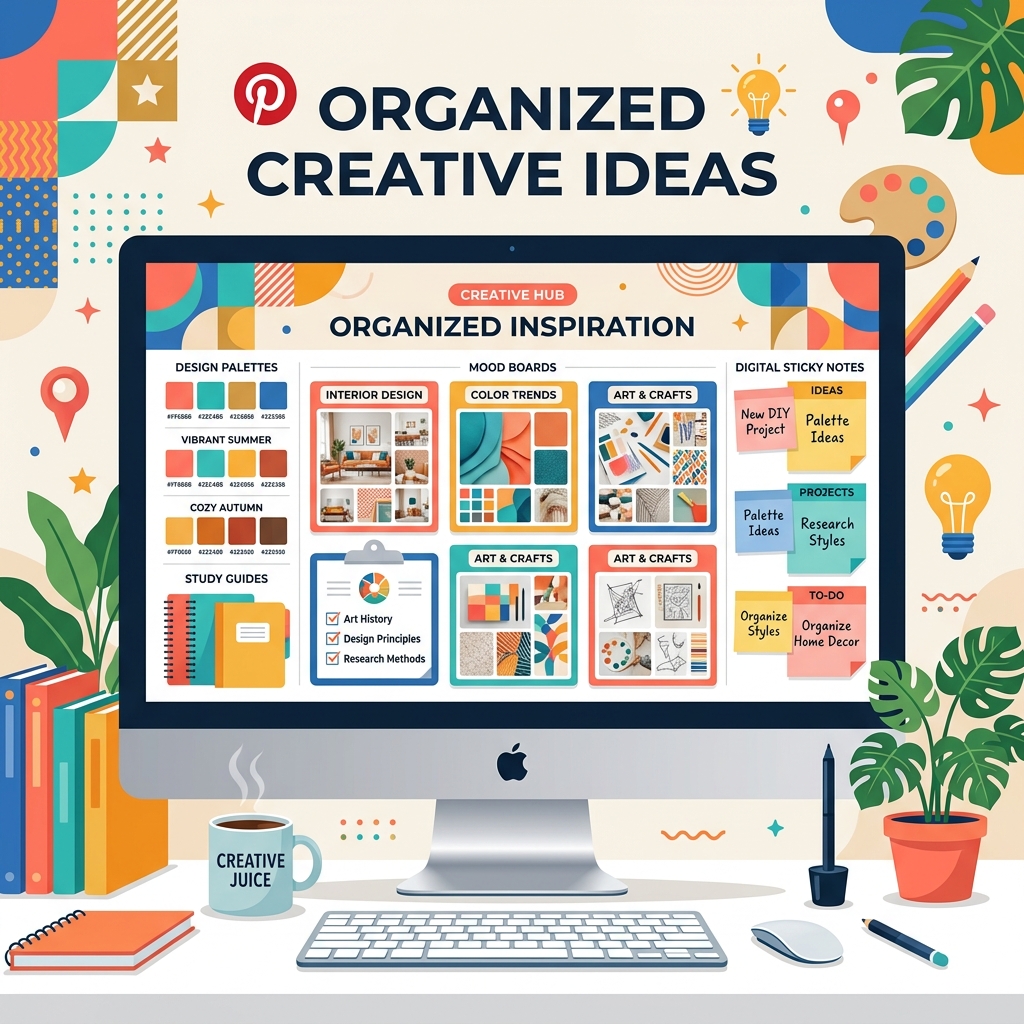
Pinterest is often viewed as a casual app for scrolling home decor or fashion trends. However, when used strategically, it serves as one of the most powerful digital research and ideation tools in existence.
Whether you are compiling resources for a university thesis, designing a brand identity for a client, or planning a content strategy for work, organization is key. Here is how to structure, label, and download your Pinterest boards for professional success.
1. Use Boards and Sections Hierarchically
Avoid throwing all related items into a single generic board. Instead, group them using nested sub-sections.
- Study: Create a board named "Art History Research" and split it into sections like "Renaissance," "Impressionism," and "Modernism."
- Design: Create a board named "Client Brand Identity" and section it into "Color Schemes," "Typography Ideas," and "Layout Inspiration."
- Work: Create a board named "Q3 Content Plan" and section it by video format: "Reels Layouts," "Infographics," and "Story Assets."
2. Add Specific Notes and Task Dates
Every time you save a Pin, write a brief custom description. Explain *why* you saved it (e.g., "Use this video's transitions for the promo clip," or "Color scheme for client brochure"). You can also set dates on boards to align your Pin collection with client deadlines.
3. Collaborate in Real-Time
Working in a team? Invite collaborators (colleagues, classmates, or clients) directly to your boards. This lets stakeholders add comments, vote on ideas, and contribute content directly without long back-and-forth emails.
4. Build a Local Offline Archive
Relying entirely on Pinterest's servers can put your project at risk. If a creator deletes their video, or if you lose internet access during a client presentation, your visual guides will be unavailable.
Once your boards are finalized, use a downloading tool to pull the key videos and images down to your computer:
- Copy the links of the highest-value Pins in your board.
- Download them via PinnDownloader.
- Organize them into matching folders on your local computer, Google Drive, or shared server.
Design Tip:
When creating local mood board folders, name files logically (e.g., `client-blue-color-palette.jpg`, `video-transition-fast-cut.mp4`) instead of keeping the default numeric CDN string.
Conclusion
A beautiful board is only half the battle. By structuring your boards with clear sections and maintaining offline backups of your essential visual elements, you turn Pinterest into a reliable, professional asset directory.