How to Use Pinterest to Find Video Ideas for Reels, TikTok, and Shorts
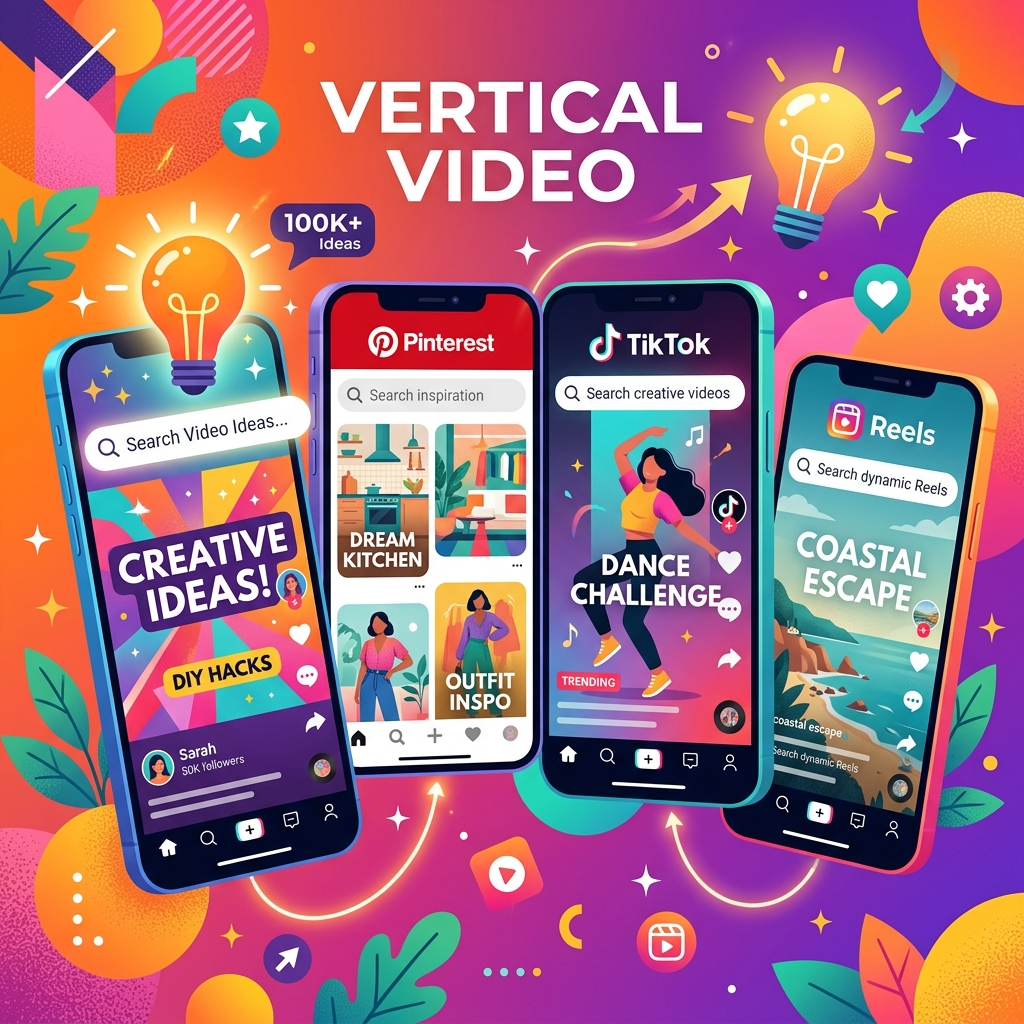
Content creators know the dread of staring at a blank script document. Sourcing fresh ideas for TikTok, Instagram Reels, and YouTube Shorts is a daily grind. While checking trending tabs directly on those apps helps, they are often crowded with repetitive sounds.
For visual originality, **Pinterest is the ultimate secret weapon.** Because it acts as a visual search engine, creators use it to source aesthetic structures, color schemes, storyboard ideas, and video transitions. Here is a guide to leveling up your content research using Pinterest.
1. Tap Into Pinterest's Search Autocomplete & Trends
Similar to Google, Pinterest's autocomplete search offers a view into what users are actively searching.
- Start typing keywords relevant to your niche (e.g., "cooking," "journaling," "coding tips").
- Look at the autocomplete suggestions. Instead of generic terms, you will find queries like "aesthetic morning routine cooking" or "desk setup journaling ideas."
- Utilize the **Pinterest Trends** tool (trends.pinterest.com) to find seasonal topics rising in popularity, giving you a head-start on visual trending topics.
2. Analyze B-Roll & Visual Transitions
Pinterest is full of aesthetic mini-vlogs and slow-motion video loops. Search for keywords like **"aesthetic B-roll," "cinematic video ideas,"** or **"creative transitions."**
Watch how creators frame their subjects, manipulate lighting, and splice cuts. You can download these clips using PinnDownloader to study them frame-by-frame or compile them into a video reference reel for your editor.
3. Build Storyboards with Static Pins
You don't just have to watch video pins. Static infographics, quotes, and layouts can inspire a video structure.
- Infographics: A step-by-step graphic can easily be transformed into a "3 steps to solve X" video script.
- Photography Pins: A compilation of aesthetic outfits or office setups can serve as a storyboard frame guide for a "Day in the Life" video layout.
Creator's Code:
Use Pinterest for inspiration and style structuring, but never copy a creator's work verbatim. Infuse your own voice, camera setup, and local perspectives to make the concept truly original.
How Downloading Accelerates Editing
If you download inspiration clips directly to your phone or desktop editing folders, you can drag them onto your timeline in editing apps like CapCut, Premiere, or DaVinci as placeholder reference guides (off-screen) to match pacing, visual framing, or color grades effortlessly.